


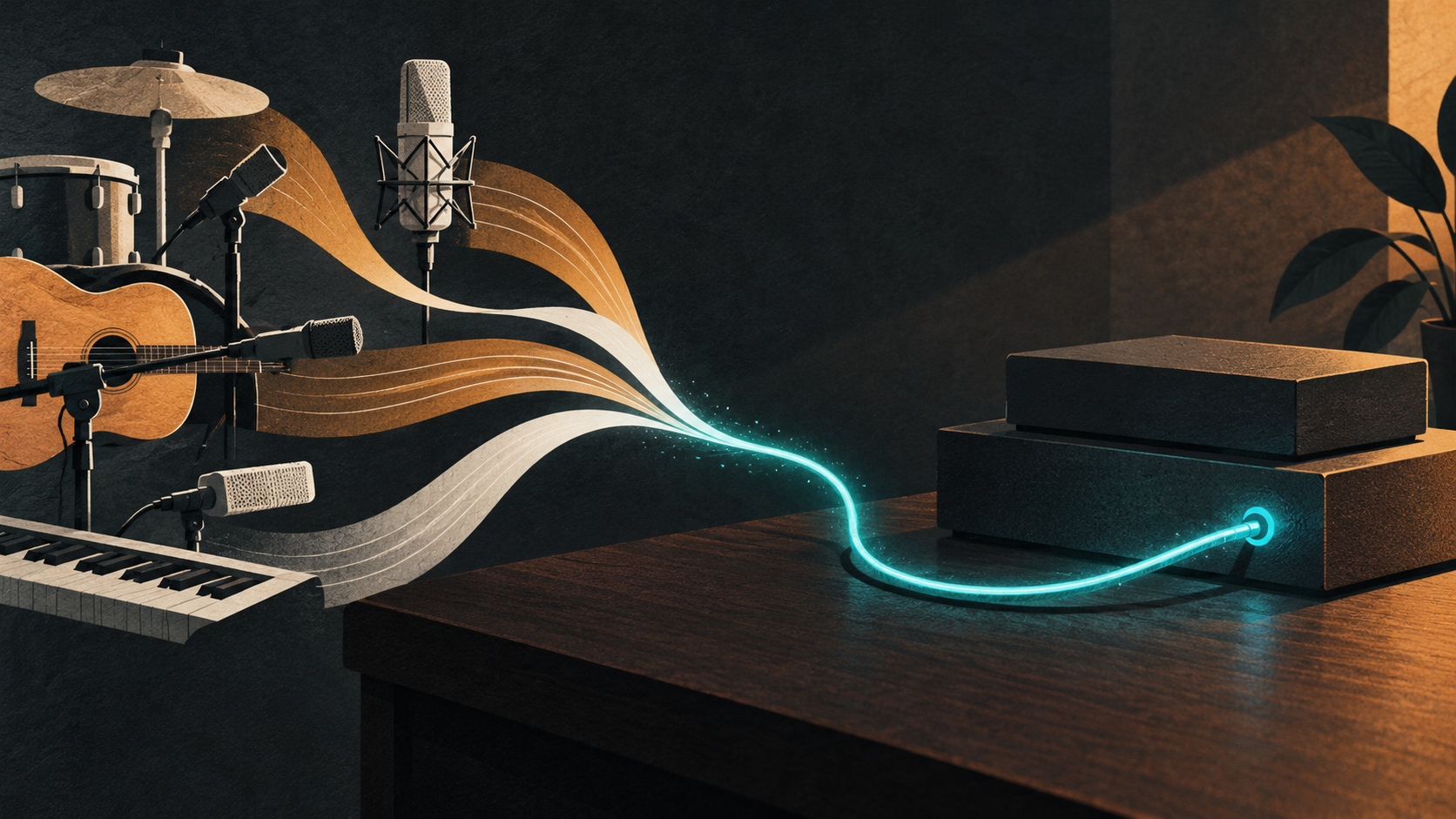
You bought an interface for a vocal mic and a guitar. Now there are three synths on the desk, a drum machine under it, and someone wants to record a whole band. The spare input disappeared a while ago.
Before replacing the interface, check whether it has an ADAT input. With compatible expansion hardware, that connection can bring more recording channels into your existing setup.
Our recent coverage of Universal Audio’s Volt Gen 2 and Volt Max makes this a useful time to explain what digital expansion involves. The important questions are which signals you need to record, how many channels your setup supports, and how the two devices stay in sync.
What does ADAT actually carry?
ADAT optical sends separate channels of digital audio down a TOSLINK cable. At 44.1 or 48 kHz, one connection can carry up to eight channels. Each can arrive as its own input for recording, provided the hardware and software are configured correctly. Focusrite’s clocking guide explains the format and its embedded clock.
The expansion unit handles the incoming analogue signals and converts them to digital audio. Your main interface receives that audio over ADAT and passes it to the computer. You still use the main interface as your recording device.
An optical socket alone isn’t enough. Check that it supports ADAT input; some optical connections carry S/PDIF instead. An ADAT output sends audio in the other direction.
Microphones and synths need different inputs
For a drum session, look for an expander with microphone preamps. Count the microphones you plan to use at once, then check the preamp and phantom-power facilities against those microphones.
A desk full of synths may call for line inputs instead. Arturia’s AudioFuse X8 IN, for example, provides eight line-level inputs with ADAT output. It isn’t an eight-microphone preamp. Four stereo instruments would occupy all eight channels, so count left and right separately before shopping.
Sometimes you already have enough connections and just need to use them differently. Noisegate’s AudioFuse Studio Rev2 coverage looks at a studio interface with several kinds of input. Check what’s on the back of your current unit before buying another box.
Watch the sample rate
Eight channels over one cable applies at 44.1 and 48 kHz. At 88.2 or 96 kHz, compatible S/MUX operation uses more bandwidth per channel, reducing that connection to four channels. Arturia’s S/MUX explanation covers the trade-off.
Keeping eight channels at those higher rates generally requires two optical paths and support at both ends. An interface advertising 192 kHz analogue recording doesn’t necessarily accept ADAT at 192 kHz. Read the digital I/O specifications for the actual models you’re connecting.
Give the devices one clock to follow
Digital devices need a shared timing reference as well as a matching sample rate.
In a simple one-way setup, the expander can run from its internal clock and send that timing information with the ADAT audio. The receiving interface then follows the incoming ADAT clock. Focusrite documents this arrangement in its standalone expansion guide. Other arrangements use the main interface as the clock leader, with a suitable return connection or word clock.
Follow the manuals for your pair of devices. Once connected, check the sync indicator, enable the digital inputs in the control software and select the corresponding inputs in your DAW. Record a short test before everyone arrives with instruments.
Check the session, then the sockets
Write down what you need to record simultaneously. Separate microphone inputs from line inputs, count stereo instruments as two channels, and choose the session sample rate. Then check ADAT direction, channel limits and clocking support on both devices.
If your current interface has the right connection, expansion could keep a familiar recording setup in service. If it doesn’t, another interface may be the better fit. Either way, that rear-panel inspection is a cheaper first step than ordering gear.
