


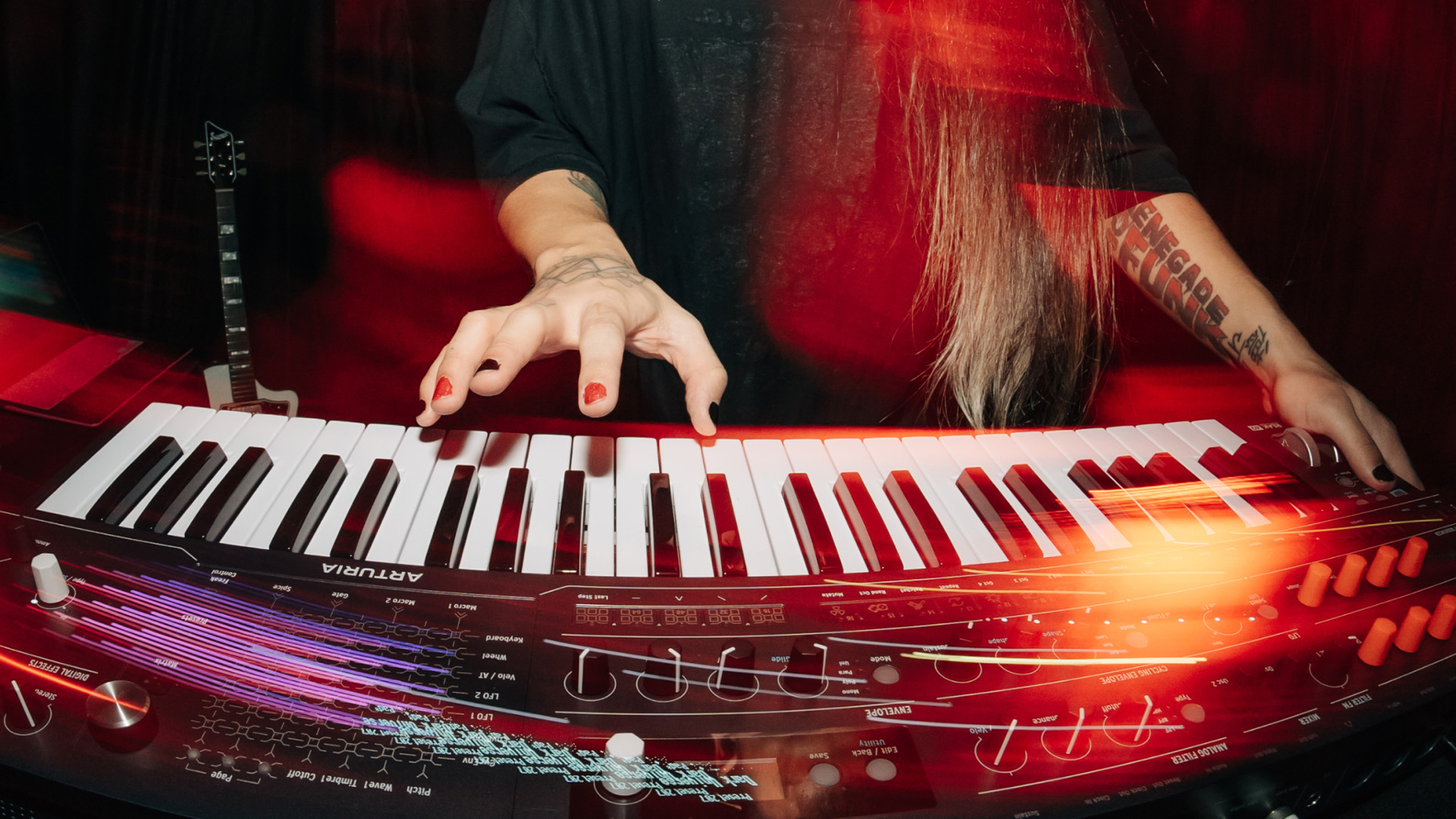
Arturia’s new MiniFreak 49 puts full-size keys and a pressure-sensitive touch matrix around its hybrid synth engine. For players who liked the original’s sound but wanted more room to perform, the changes are worth a look.
The keyboard has 49 semi-weighted keys with velocity and mono aftertouch. Pitch and modulation wheels replace the original model’s touch strips. It remains a six-voice instrument: the bigger keyboard gives your hands more space, rather than adding polyphony.
The touch matrix is the main change
The new XYZ surface handles modulation routing, preset browsing and performance gestures. In its modulation view, you touch the intersection of a source and destination, then adjust the amount with the Matrix encoder. That makes the routing grid part of the physical instrument instead of something you only read on a screen.
Freak Control uses movement across the surface and pressure to reshape sounds. The musical appeal is straightforward: you can change several assigned parameters during a phrase, then use Hold to keep a position while your hand returns to the keys. How comfortable that feels in a set is a question for a hands-on session; we haven’t tested it.

Check which features belong to which model
Owners of the smaller MiniFreak should pay attention to Arturia’s software requirements. Its FAQ says the dedicated MiniFreak 49 mode in MiniFreak V requires a registered MiniFreak 49 licence, supplied with the hardware. Installing the latest software alone does not give every MiniFreak owner access to that mode.
Arturia lists audio-rate Filter FM and a Stereo Spread effect among the additions available in that mode. That distinction matters if you’re comparing the new instrument with the update covered in our article on MiniFreak 5.0, user samples and custom wavetables. A firmware update and a new hardware model are different buying decisions.
A route back into the DAW
MiniFreak V is included, with presets moving between hardware and software. Arturia also confirms compatibility with original MiniFreak presets. That should make an existing patch library useful when considering the larger instrument, although it is sensible to check any particular patch before relying on it live.
In a production session, separate software instances let you keep a bass part and a chord sound editable without repeatedly recording the hardware. For background on the software side, see our article on MiniFreak V.
The useful comparison is how you play and edit. Try the full-size keybed, aftertouch response and touch matrix with the sort of parts you actually write. Those controls are the reason to investigate the 49; a familiar patch sounding good is only half the decision. Australian pricing and local stock timing still need confirmation.
Details: Arturia MiniFreak 49 and Arturia’s MiniFreak 49 software FAQ.
