


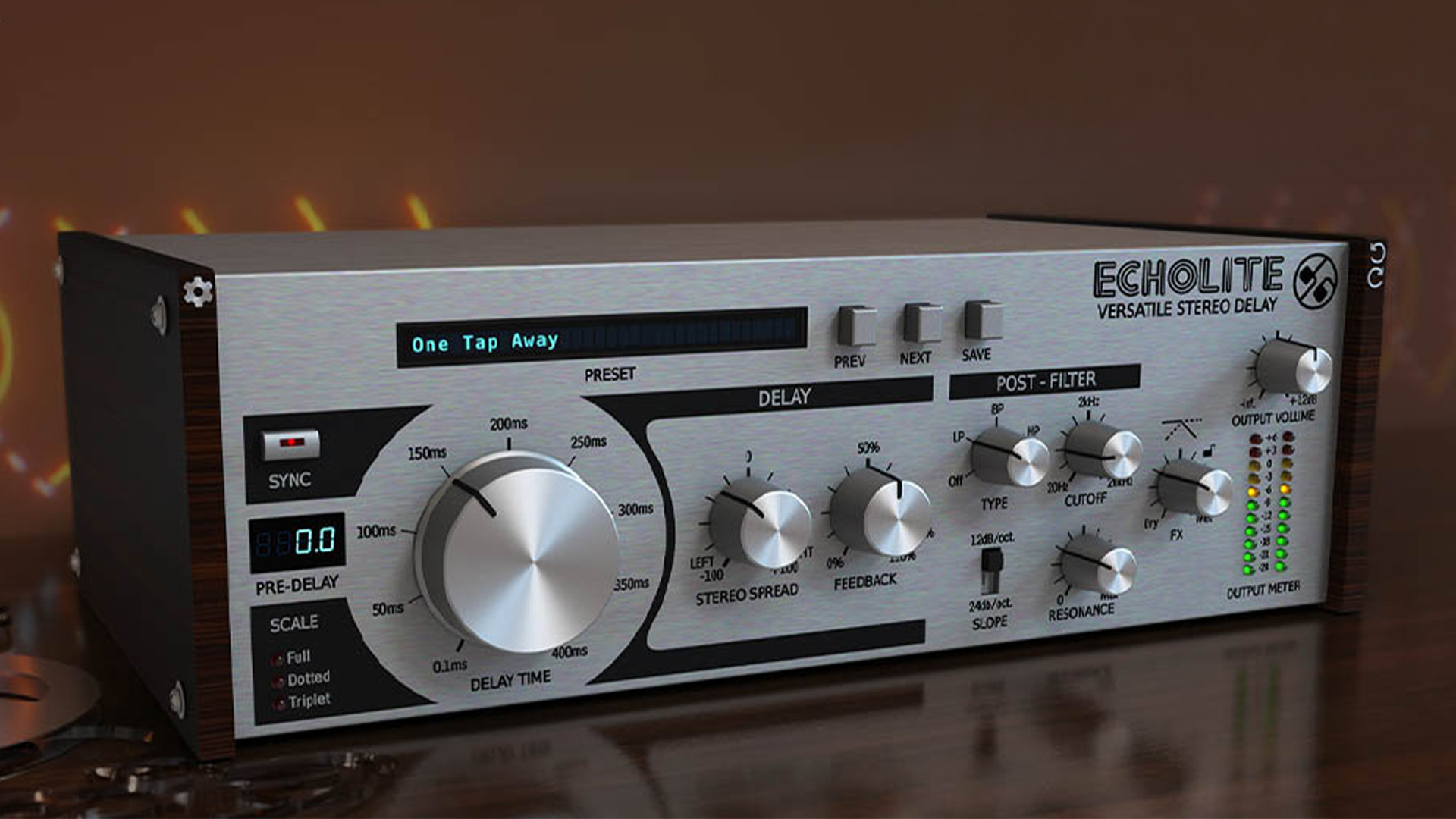
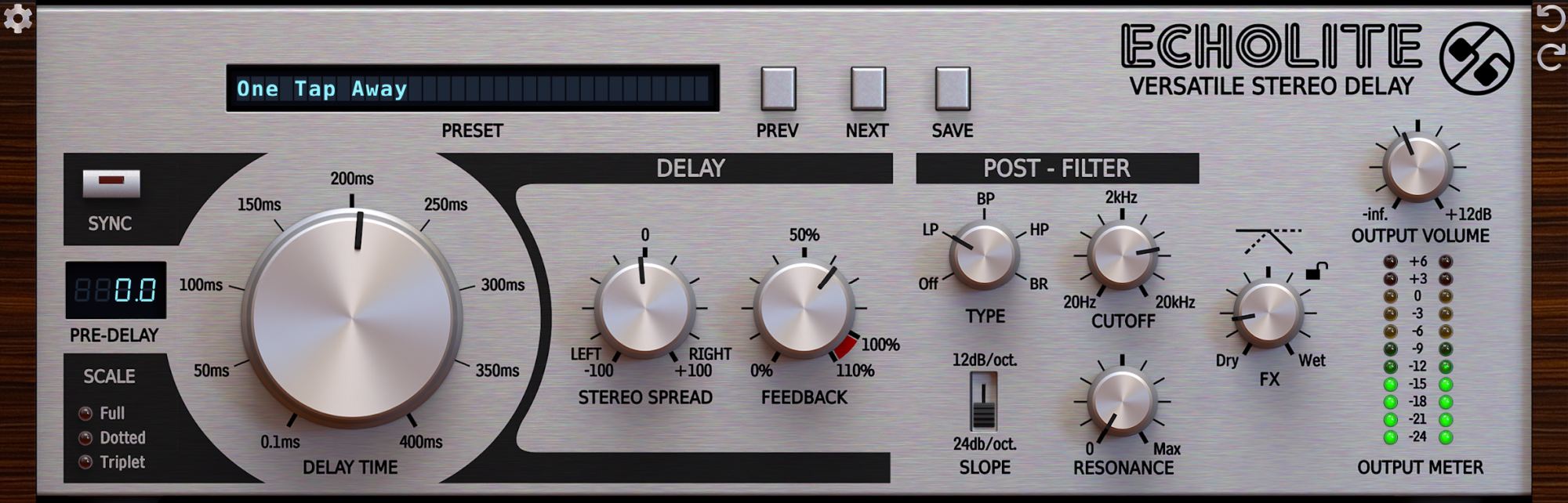
D16 Group has made Echolite available as a free stereo delay plug-in for Mac and Windows. It puts pre-delay, tempo sync, stereo spread and a multimode post filter into a relatively compact interface.
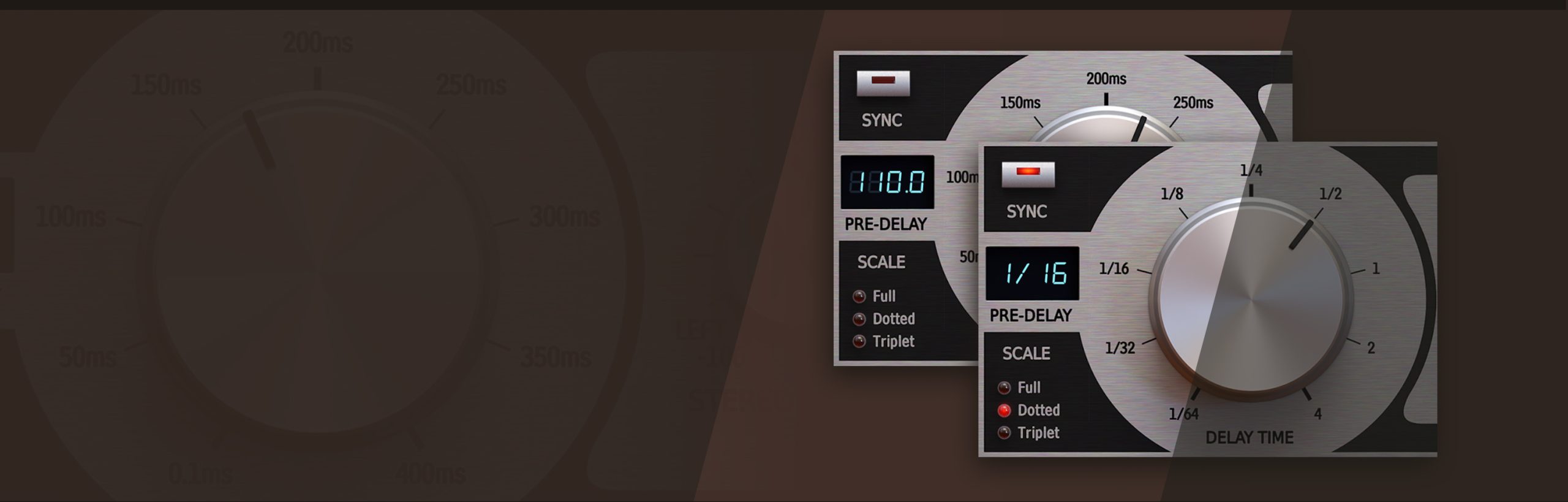
The useful angle is how quickly you can place the repeats around a part. Pre-delay gives the effect a separate timing control before the echoes, while tempo sync lets the delay follow the session. The post filter provides another way to make the repeats occupy less of the mix. We haven’t tested Echolite, so this is a look at the documented controls rather than a listening review.
Start with the part, then set the repeats
For a vocal phrase, try setting the delay so the repeat answers a gap in the performance. Listen through the next line too: a setting that works after one word can become a traffic jam when the singer carries on.
On a short synth part, compare a tempo-synchronised echo with a shorter repeat. They serve different musical jobs. One can establish a second rhythmic pattern; the other can add a sense of space around the original note. Keep the effect level low while choosing the timing so that louder repeats don’t decide the comparison for you.
Looking for a source to experiment with? Our article on the free Pigments Play synth covers another software option. A short, simple phrase makes it easier to hear what a delay is changing.
Shape the echo separately
Echolite’s post filter and stereo spread are the controls to investigate once the timing is working. Filtering the effect can help keep the dry part distinct. Compare the sound with the full arrangement playing, rather than judging the repeats in isolation.
Stereo spread deserves the same restraint. A wide effect can be attractive in headphones, but check how the part holds together in mono and whether it gets in the way of other instruments. Those are useful checks with any stereo delay, not claims about a particular result from Echolite.
For a broader look at paid processing options, see our coverage of FX Collection 6. Compare tools by the task you need to finish; a bigger effects collection and a single free delay solve different problems.
Check the host requirements
D16 lists VST2, VST3 and AAX support on Windows, with AU added on Mac. Its published requirements include Intel and Apple Silicon Macs. Echolite needs a compatible host application: it is not a standalone program.
The interface offers several sizes with HiDPI support, plus MIDI Learn for controller assignment. Check the current requirements against your DAW before installing. The official Echolite page has the installers, manual and compatibility information. D16 currently lists the plug-in as free; no purchase price or limited-time deadline is assumed here.
