


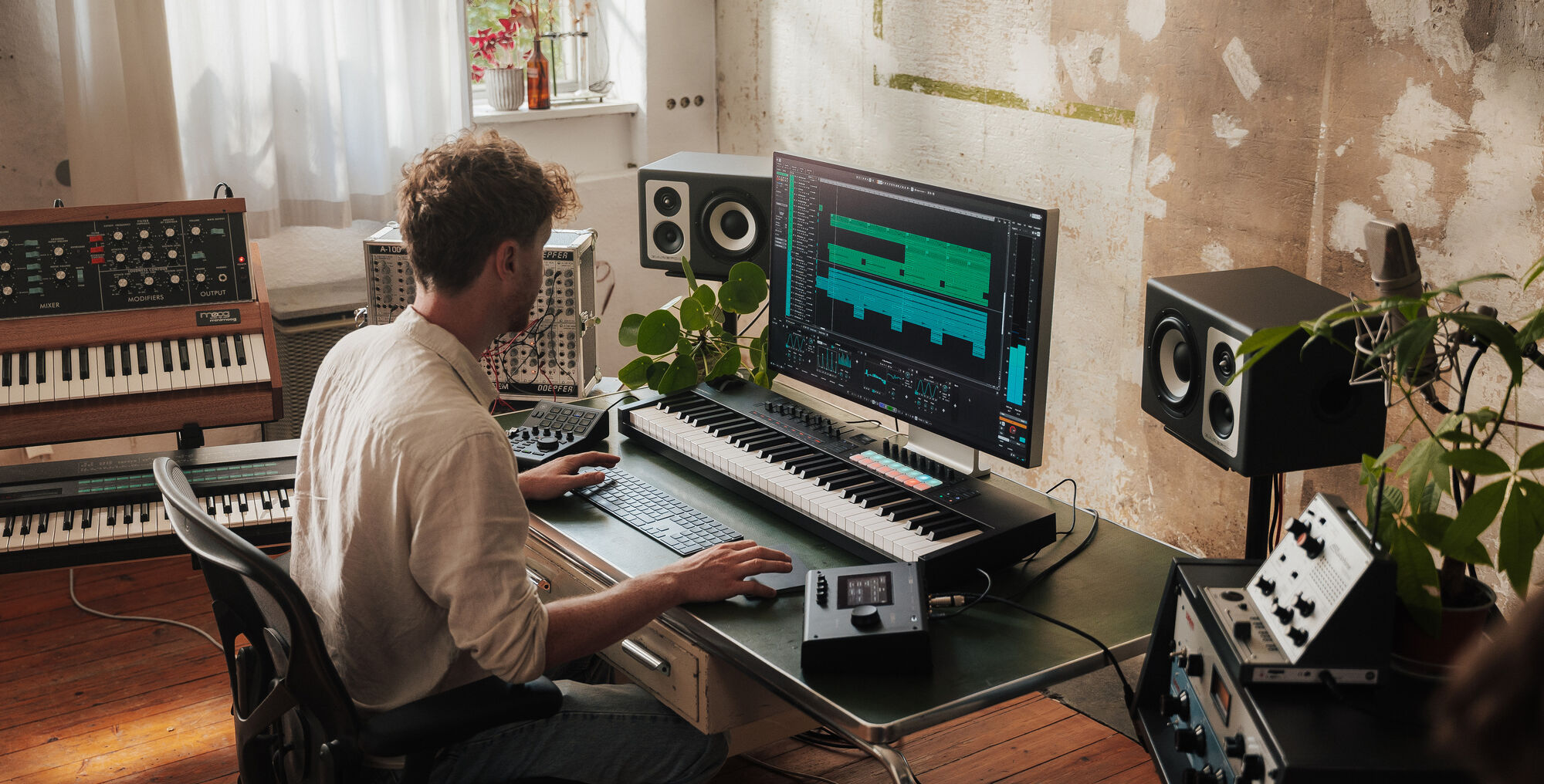
A piano and a pad can make a convincing verse sound, right up until the pad starts following every left-hand note. In Cubase 16, Instrument Stacks give you a way to play that combination from one track and decide what each instrument responds to. Steinberg released Cubase 16 on 4 November and lists Stacks for Pro and Artist. If you’re on Elements, check the edition labels on Steinberg’s feature page before planning a session around them.
Start with the Part You’d Play on Its Own
Use a piano as the main sound and add a pad as a second layer. Start by playing the piano part you already have in mind. Then bring the pad in just far enough to hear it under the held chords. If the bass notes get woolly, use the stack’s per-layer filtering to keep the pad away from the bottom of the keyboard. Play the verse again, including the lowest notes you actually use. The right split point is usually easier to hear in a real phrase than in a C major scale.
Steinberg’s Cubase 16 release notes say you can combine VST instruments, Sampler Tracks and Drum Tracks. A sampler layer could add the sound of a mallet or a short scrape to the top of the patch. Start with that layer quiet and try it on a few chord changes. A short sound that feels interesting on a single note can get busy quickly when you play it four times at once.
Record One Pass and Listen for What Each Layer Adds
Record a few bars through the playable track. Include a soft entrance, a louder chord and a gap where you lift your hands. That gives you three points to judge the patch: whether the piano still speaks at low levels, whether the extra layers crowd the louder chord, and whether the sound leaves enough room for the next phrase. If you’re playing from a controller and want to map more of your setup, see our coverage of the Kontrol S-Series MK3 firmware update for a separate look at controller integration.
The single track is handy while the layers share a performance. If you want the pad to hang on while the piano plays a new chord, consider moving that part to its own track. That gives you a place to edit those note lengths without changing the piano part. It also makes sense if a collaborator needs to replace one layer while keeping the others in place.
Print a Reference Before You Hand It Over
When you send the project to someone else, include a short audio render of the patch in the arrangement and tell them which instruments you used. That gives them something to match if their system is missing a plug-in or sample. If you’re building a recording setup for this sort of work, our guide to choosing a home-studio audio interface covers the hardware side. For this patch, the best check is still to play the part with the rest of the song running. If you only miss the pad when you mute it, you may already have enough.
